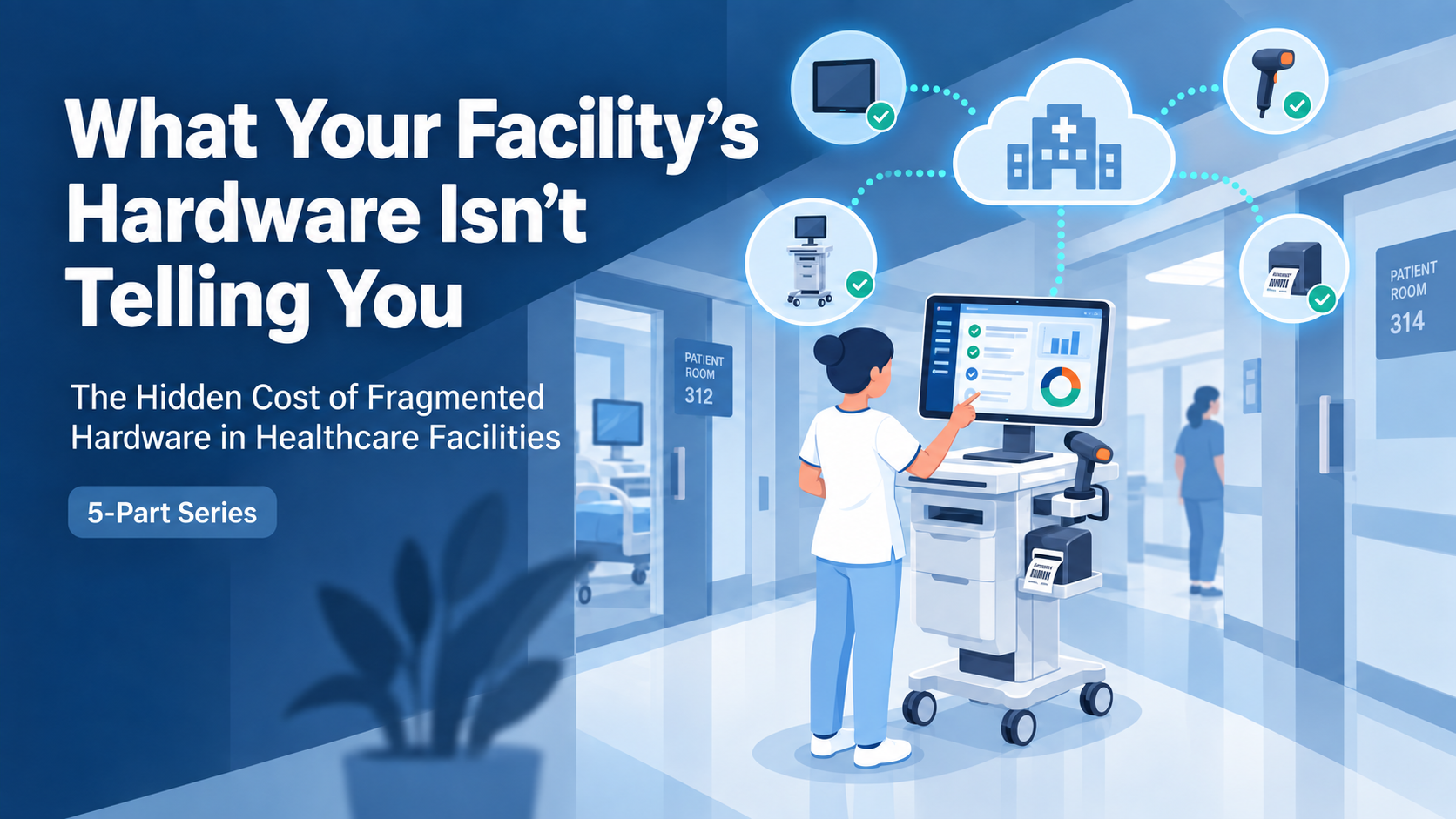
Most healthcare facilities don’t have one hardware problem with healthcare mobile workstations.
They have several smaller problems spread across carts, scanners, mobile computers, batteries, networks, device management systems, and multiple vendors.
Individually, each issue can seem manageable.
A healthcare mobile workstation battery doesn’t quite make it through a shift. A scanner occasionally needs a second attempt. A cart ends up on another floor. IT isn’t completely certain which mobile devices are still active.
None of these may create an immediate crisis.
But together, they can create something much more expensive:
And much of that cost stays invisible until something forces the issue.
1. The Time Nobody Counts
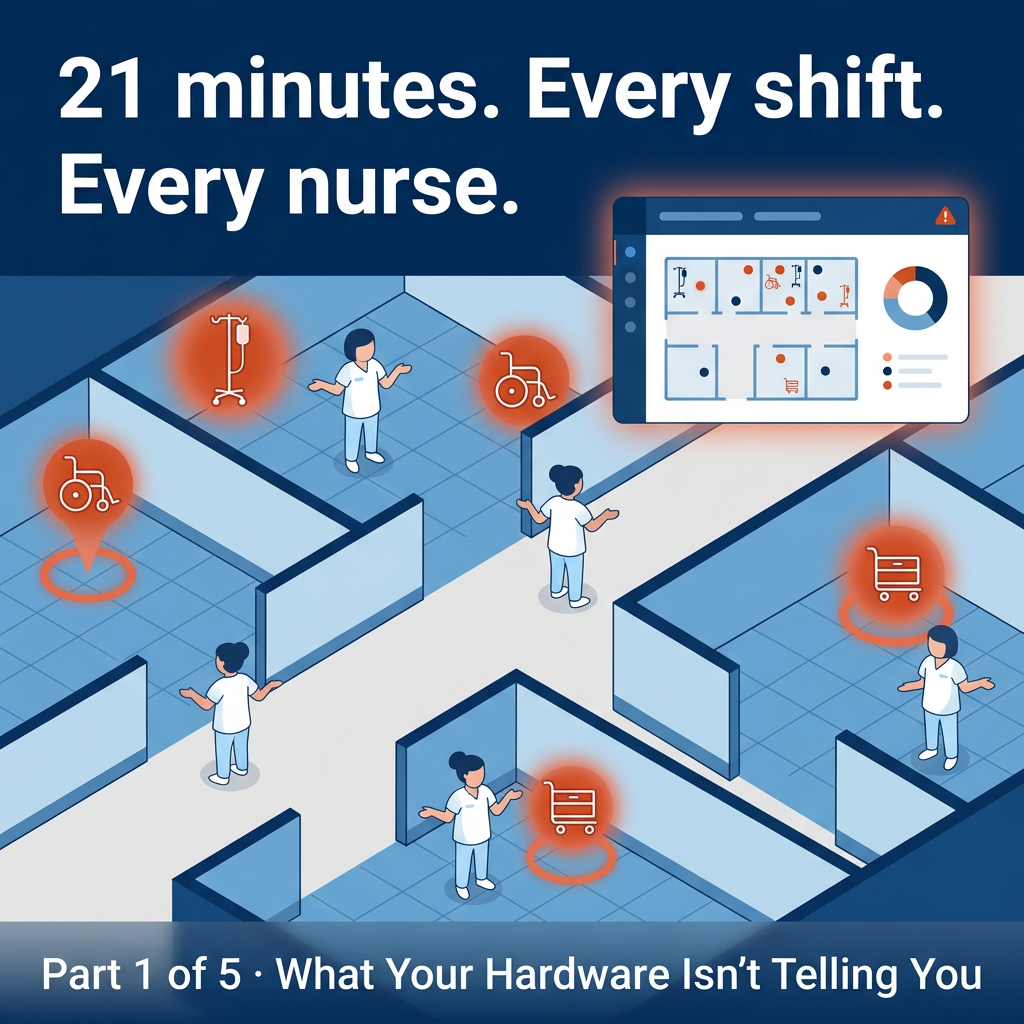
How much clinical time is lost simply looking for equipment?
Twenty-one minutes doesn’t sound like much.
Until you multiply it across multiple nurses, multiple shifts, multiple departments, and an entire facility.
Research cited by HIMSS found that nurses spend an average of 21 minutes per shift searching for lost equipment.
That equipment might be:
A scanner
A workstation on wheels
A tablet or mobile computer
A device that was moved to another department
Equipment that wasn’t returned to its normal location
The underlying cost is always the same:
Clinical staff are spending time searching for technology instead of using it.
And that cost is easy to overlook because it doesn’t usually appear on a purchasing report.
There is no invoice labeled:
“Time spent looking for a missing cart.”
But the facility still pays for it.
Reliable equipment, standardized configurations, consistent charging practices, and better visibility into where devices are located can all help reduce that friction.
The real question isn’t whether you have enough equipment.
It’s whether the equipment you already own is available, charged, reliable, and ready when staff need it.
2. The Mobile Cart That Costs More Than Its Purchase Price
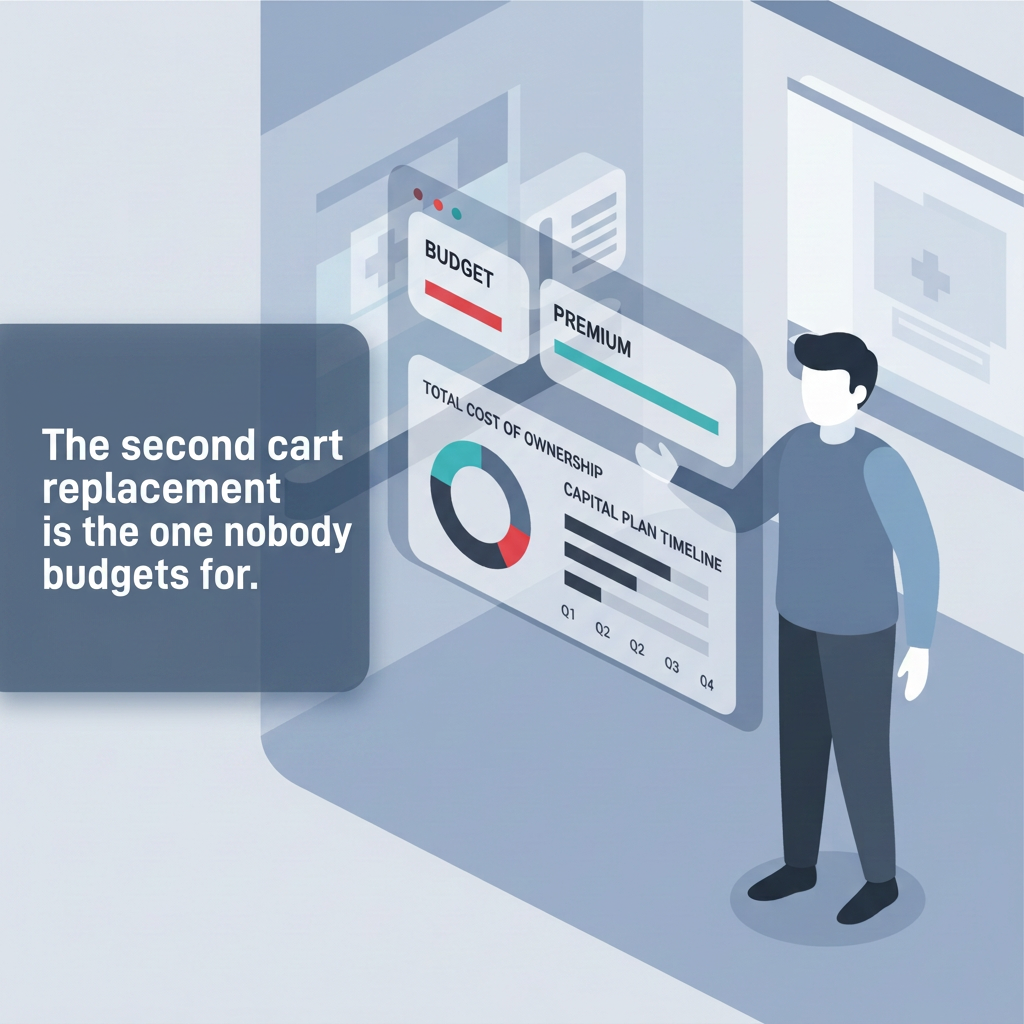
The lowest purchase price is not always the lowest cost.
Healthcare technology buyers understandably pay close attention to upfront cost.
But the purchase price of a mobile workstation tells only part of the story.
A mobile healthcare cart operates in a demanding environment. It moves constantly, gets re-positioned throughout the day, supports multiple devices, and may operate through several shifts.
Over time, components such as these all matter:
Casters
Batteries
Mounts
Drawers
Power systems
Cables
Computers
Scanners
Accessories
So the better question isn’t:
“How much does this cart cost?”
It’s:
“What will this cart cost us over its useful life?”
Total cost of ownership includes far more than acquisition price. It can include:
Repair frequency
Battery replacement
Downtime
Staff interruptions
Warranty coverage
Replacement cycles
Component quality
Expected service life
Battery performance deserves special attention.
A powered medical mobile workstation that cannot reliably support a full clinical workflow creates another problem for staff to solve.
They may need to:
Stop during rounds
Locate another workstation
Find a charging location
Transfer equipment
Adjust their workflow around the cart
Technically, the cart may still be functioning.
Operationally, it isn’t doing its job.
Hardware should support the workflow.
The workflow should not have to adapt around the hardware.
3. The Scan That Has to Be Right
In healthcare, a barcode scan can be part of a patient-safety decision.
In many industries, scanning a barcode simply records a transaction.
In healthcare, that same scan may be part of confirming that the:
Right medication reaches the right patient at the right dose at the right time.
That makes hardware reliability significantly more important.
Research reviewed by the Pennsylvania Patient Safety Authority found that barcode-assisted medication administration technology has been associated with reductions in medication administration errors ranging from 65% to 86%.
But there is an important catch:
The technology only helps when it works correctly and is used consistently.
Failed scans, cumbersome workflows, damaged equipment, overrides, or manual workarounds can undermine the process the technology was intended to protect.
That makes scanner selection more than a specification-sheet decision.
Clinical scanning equipment should be evaluated for the environment in which it will actually operate.
Considerations can include:
Repeated daily use
Cleaning and disinfecting requirements
Battery life
Wireless connectivity
Barcode quality and condition
Ergonomics
Drop resistance
Integration with mobile workstations
Device-management requirements
A scanner that performs perfectly in an office or occasional-use environment may not be the right device for continuous clinical use.
Reliability matters most at the exact moment the device is needed.
4. The Compliance Risk Hiding in Plain Sight
Now ask a different question:
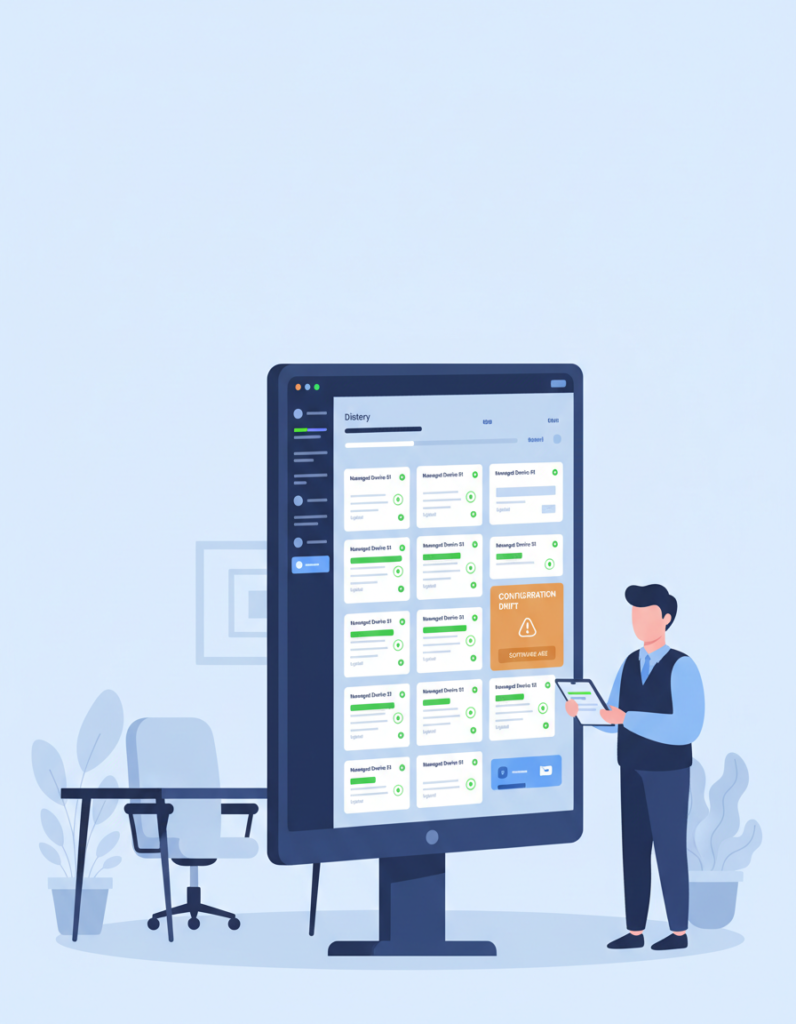
How many mobile devices does your organization have right now?
Not approximately.
Exactly.
Can your organization answer these questions?
Which department has each device?
Who is responsible for it?
What software is installed?
When was it last updated?
Does it contain or access electronic protected health information?
Is the device encrypted?
Can it be managed remotely?
What happens if it disappears tomorrow?
What is the process when it reaches end-of-life?
These questions matter because mobile hardware is part of the larger healthcare security environment.
HHS guidance specifically addresses inventory and control of hardware and electronic media containing or providing access to electronic protected health information.
Enforcement history has also shown that lost, stolen, or inadequately secured mobile devices can lead to significant consequences.
The lesson is simple:
You can’t effectively protect a device you don’t know you have.
Mobile hardware should not be treated as an afterthought.
A complete strategy may include:
Asset inventory
Encryption
Device policies
Patch management
Access controls
Remote management
Device tracking
Lifecycle management
Secure retirement and disposal
These considerations should begin when hardware is selected and deployed — not after something goes missing.
5. One Problem, Not Four
Lost equipment.
Short hardware lifecycles.
Unreliable scanning.
Unmanaged mobile devices.
At first glance, they look like separate problems.
And in many organizations, they are treated that way.
One supplier provides the cart.
Another provides the scanner.
Someone else supplies the mobile computer.
IT manages the network.
Another vendor handles software or device management.
A different company services the equipment.
Nobody is looking at how all of those pieces operate together.
That is where hidden costs begin.
The underlying issue may not be any single piece of hardware.
It may be a fragmented technology environment.
The solution doesn’t necessarily require replacing everything or increasing the budget.
It starts with looking at the environment as one connected system.
Ask:
How are your healthcare mobile workstations configured?
Are devices standardized across departments?
Can batteries support the intended workflow?
Are scanners appropriate for clinical use?
Does wireless coverage support every location where carts travel?
Can IT identify and manage every endpoint?
Who supports the equipment when something fails?
What happens when equipment reaches end-of-life?
Are multiple vendors creating unnecessary complexity?
These questions should be part of one technology strategy, not a series of unrelated purchasing decisions.
What Good Healthcare Hardware Should Look Like
The best healthcare technology is often the technology nobody notices.
The workstation is where it should be.
The battery lasts.
The scanner reads.
The wireless connection stays connected.
The device is managed.
Support is available when something goes wrong.
And clinical staff can focus on their patients instead of troubleshooting technology.
That requires more than simply purchasing individual products.
It requires understanding how mobile workstations, carts, scanners, computers, batteries, networking, deployment, support, and lifecycle management all work together.
One Partner. One Solution.
Adirondack Networks helps healthcare organizations take a more coordinated approach to mobile technology.
Rather than treating carts, scanners, computers, networking, deployment, and lifecycle support as unrelated purchases, Adirondack Networks can help organizations look at the complete environment.
Because four small hardware problems shouldn’t require four different vendors to solve them.
What Is Your Hardware Not Telling You?
If your facility is dealing with:
Unreliable mobile carts
Inconsistent scanner performance
Battery problems
Aging equipment
Device-management challenges
Lost or difficult-to-locate hardware
Too many vendors supporting interconnected systems
…it may be time to look at the bigger picture.
Talk with Adirondack Networks about your healthcare mobile workstations environment.