
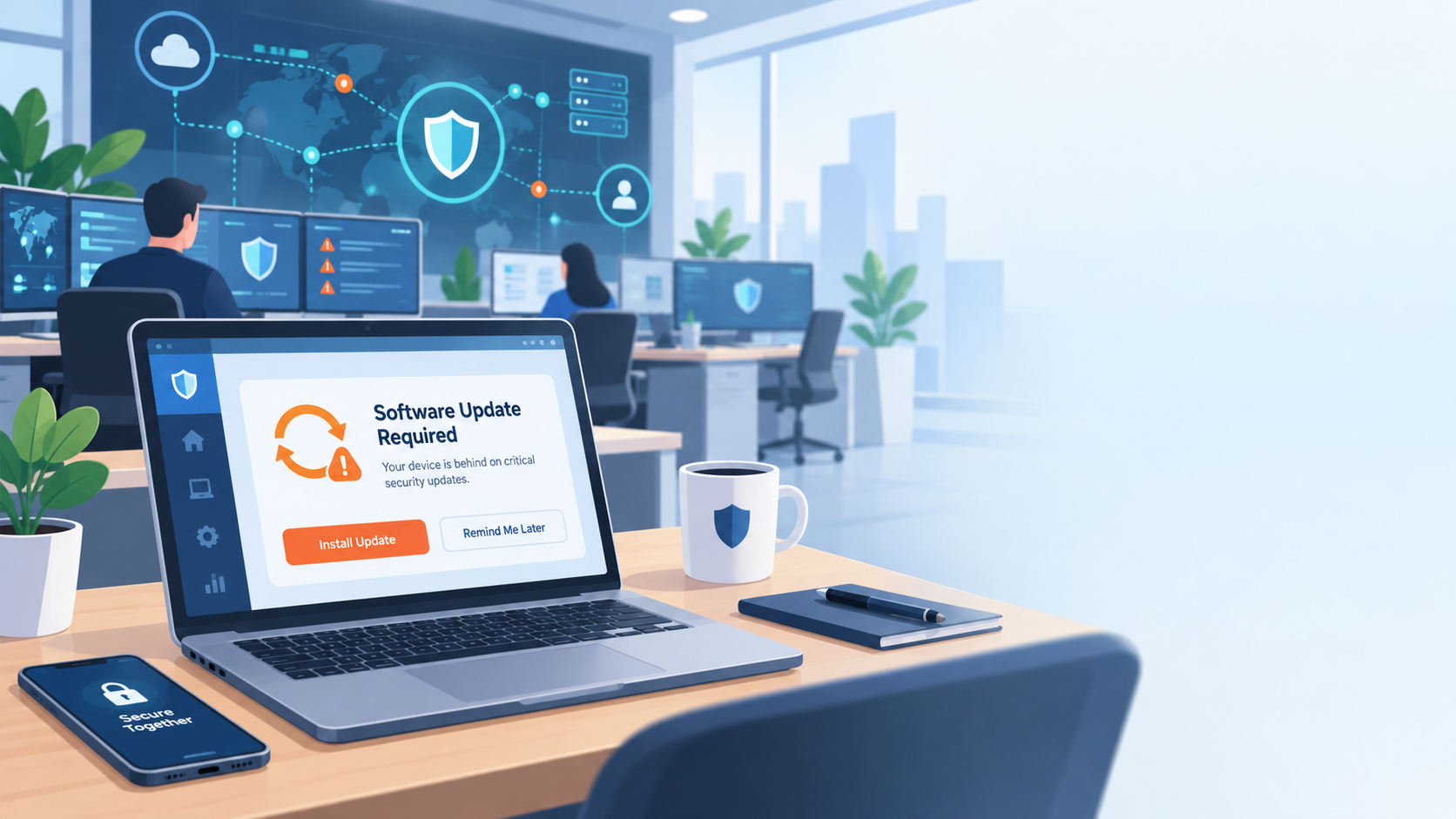
Who’s Watching Your Network?
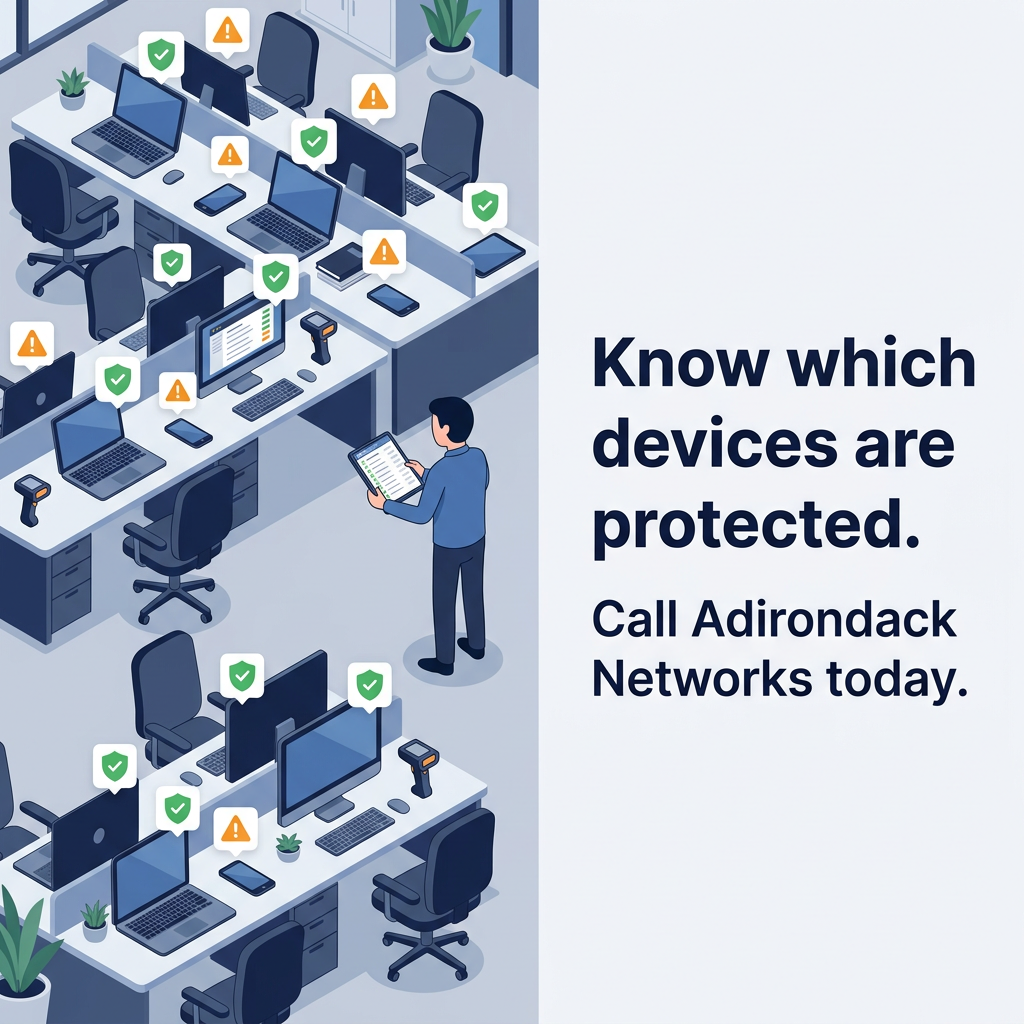
Picture the laptop at the end of the second row. It spent two weeks out of the office and missed an update while it was gone. That return signals Cybersecurity risk. Nothing is wrong with it yet, which is why nobody is looking at it.
October is Cybersecurity Awareness Month, and the most useful question this year is plain: who is actually watching?
Additionally, most businesses already own security tools.
What they often lack is a person who checks devices, reads alerts, and closes the gap before others find it.
Below are three places where that gap opens, plus a short checklist and its changes when one partner owns it.
Unpatched devices are now the most common way in
Verizon’s 2026 Data Breach Investigations Report found that 31% of breaches now start with an exploited software vulnerability. That puts unpatched software ahead of stolen passwords as the top way attackers get in. The report covers incidents from November 1, 2024, through October 31, 2025.
Patching hasn’t kept up. According to the report, organizations fully fixed only 26% of the flaws on CISA’s Known Exploited Vulnerabilities catalog during 2025. That catalog is the federal government’s running list of flaws attackers are already using. The median time to fix one rose to 43 days, up from 32 the year before.
An endpoint is any device that connects to your network.
This includes a desktop, a laptop, a phone, or a handheld scanner on the warehouse floor.
Each one needs updates to Cybersecurity.
However, the ones that slip are rarely the ones anyone is looking at.
If a device dropped off your update schedule today, how long would it take someone to notice?
An alert only helps if someone reads it
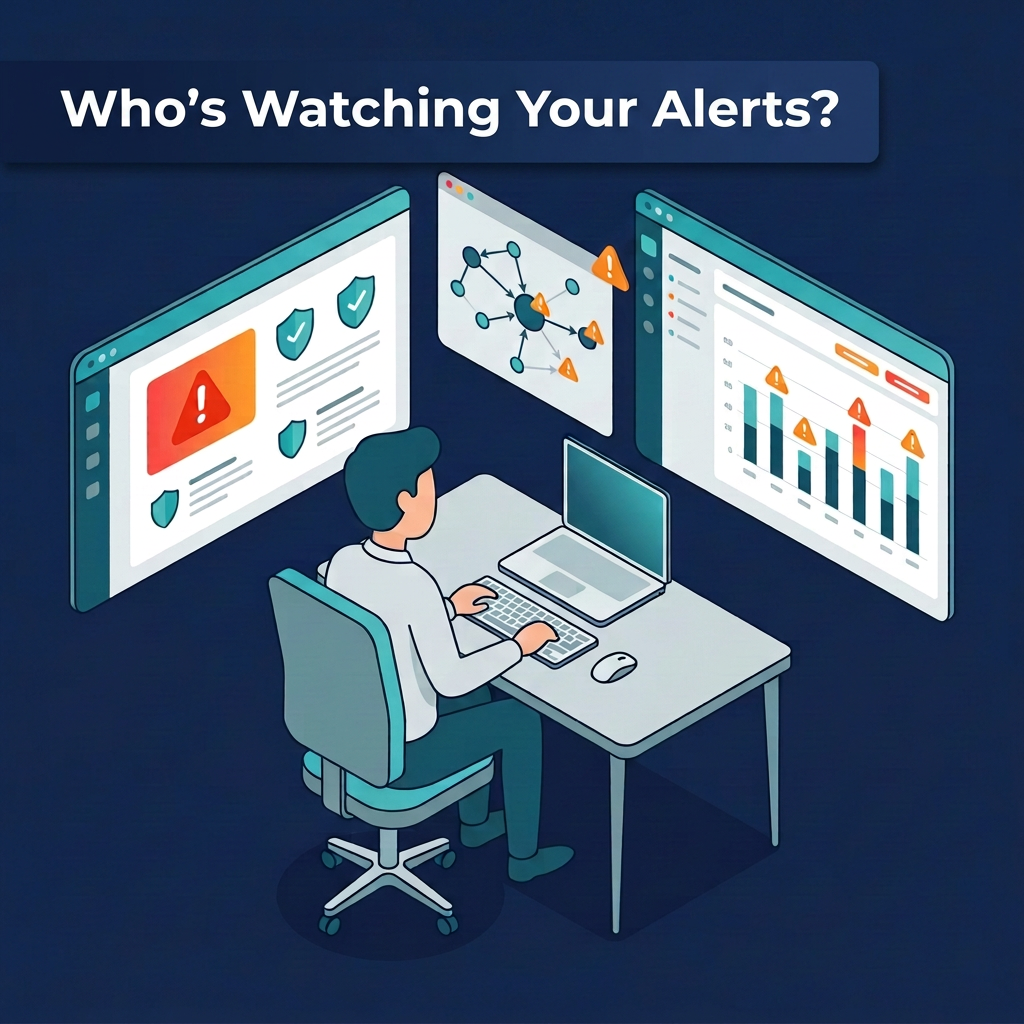
Endpoint protection flags odd behavior. Firewalls log blocked traffic. Microsoft 365 sends warnings about risky sign-ins. Plenty of warnings get raised; the weak point is what happens after.
IBM’s Cost of a Data Breach Report 2025 analyzed breaches at 600 organizations.
Between March 2024 and February 2025, the average time to identify and contain a breach was 241 days.
That’s nearly eight months.
Organizations that detected a breach themselves, rather than hearing about it from the attacker, saved $900,000.
The alert response is the step between the warning and the fix.
A person reads the alert, decides whether it’s real, and acts.
They pull the laptop off the network, reset the account, or close the ticket as noise.
Software raises the flag.
Someone still has to look at it, and you should know who that someone is before the next alert fires.
Windows and Microsoft 365: the basics that still get missed
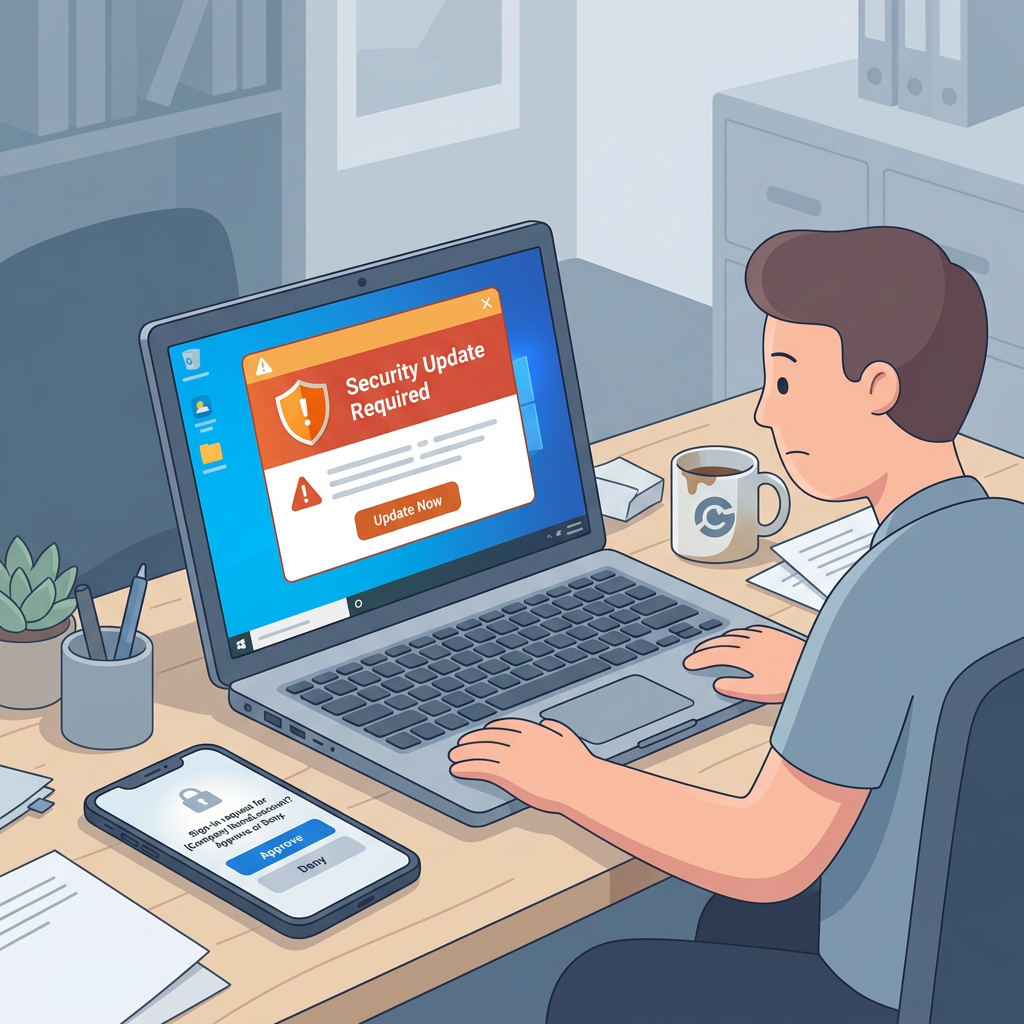
Windows 10 reached end of support on October 14, 2025. The PCs still run, but they stopped getting security fixes unless the organization enrolled them in Microsoft’s Extended Security Updates, which end no later than October 14, 2028. A Windows 10 machine that isn’t enrolled has been without security updates for a year.
Accounts are the other half. Microsoft’s 2025 Digital Defense Report found that 97% of identity attacks were password attacks, most of them password spray. In a password spray, an attacker tries one common password across thousands of accounts until one opens. CISA’s guidance is direct: people who turn on multi-factor authentication (MFA, a second check beyond the password) are significantly less likely to get hacked, and CISA urges organizations to plan a move to phishing-resistant MFA.
Four questions are worth putting to your team this month:
- Which of our PCs still run Windows 10, and are they enrolled in Extended Security Updates?
- Does every Microsoft 365 account have MFA turned on, starting with admin accounts?
- Who reviews risky sign-in alerts, and how often?
- When someone leaves, who turns off their account that same day?
If any answer takes more than a minute to find, you’ve found the place to start.
Why the gaps sit between vendors
Go back to the laptop in the second row. Additionally, a missed update, an unread alert, and an account without a second check are common. None of them is a missing product. Each one is a hand-off nobody owns. When hardware comes from one company and alerts land in a shared inbox, each Cybersecurity gap has a reason. Nobody closes it.
Adirondack Networks works as one partner across the whole stack. We supply the devices and the network gear, and we support Windows and Microsoft 365, endpoint security and alert response, with a live chat line your team can use when something looks off. You call one number, and you don’t have to work out whose problem it is first.
If you’d like a second set of eyes, start with the question at the top of this page. Call 888-228-1188 or email info@adirondacknetworks.net, and tell us which of the four questions you’d like to work through first.
Sources
- Verizon, 2026 Data Breach Investigations Report (published May 19, 2026; incidents Nov 1, 2024 to Oct 31, 2025): https://www.verizon.com/business/resources/reports/dbir/
- Help Net Security, “Lessons from Verizon DBIR 2026 findings,” May 25, 2026: https://www.helpnetsecurity.com/2026/05/25/lessons-from-verizon-dbir-2026-findings/
- Veracode, “What the 2026 Verizon DBIR Reveals About the State of Application Security”: https://www.veracode.com/blog/2026-verizon-dbir-application-security
- IBM, Cost of a Data Breach Report 2025 press release, July 30, 2025 (600 organizations, Mar 2024 to Feb 2025): https://newsroom.ibm.com/2025-07-30-ibm-report-13-of-organizations-reported-breaches-of-ai-models-or-applications,-97-of-which-reported-lacking-proper-ai-access-controls
- Microsoft Learn, Extended Security Updates for Windows 10: https://learn.microsoft.com/en-us/windows/whats-new/extended-security-updates
- Microsoft, Digital Defense Report 2025 (data Oct 2024 to Oct 2025): https://www.microsoft.com/en-us/corporate-responsibility/cybersecurity/microsoft-digital-defense-report-2025
- CISA, More than a Password: https://www.cisa.gov/MFA